
The Bizarre Journey Codes
Latest codes
| Code | Reward | Status | Copy |
|---|---|---|---|
| 1MVISITS Notes: Only works in new servers. |
Active | ||
| UPDATE2 Notes: Join the group Codes expire after 7 days. |
Active | ||
| 10KLIKES Notes: Join the group Codes expire after 7 days. |
Stand Arrows | Active | |
| HALLOWEENSPIRITRISES | Unconfirmed | ||
| HOLIDAYSCOMING | Unconfirmed | ||
| HOLLOWSPIRITRISES | Unconfirmed | ||
| RELEASE Notes: Join the Bizarre Journey Roblox group |
15 Stand Arrows and 100 Rolls | Active | |
| D4CUPD Notes: Join the Bizarre Journey Roblox group |
20 Arrows and 100 Rolls | Active | |
| ONETHOUSANDCCU Notes: Join the Bizarre Journey Roblox group |
20 Stand Arrows and 100 Clan Rolls | Active | |
| 3KLIKES Notes: Join the group Codes expire after 7 days. |
5 Stand Arrows and 50 Clan Rolls | Active | |
| 5KLIKES Notes: Join the group Codes expire after 7 days. |
5 Stand Arrows and 50 Clan Rolls | Active | |
| UPDATE1 Notes: Join the group Codes expire after 7 days. |
20 Stand Arrows and 100 Clan Rolls | Active | |
| CRAFTING Notes: Join the group Codes expire after 7 days. |
Clan Rolls and Stand Arrows | Active | |
| 2KLIKES Notes: Join the Bizarre Journey Roblox group |
5 Stand Arrows and 50 Clan Rolls | Active | |
| 4KLIKES Notes: Join the Bizarre Journey Roblox group |
5 Stand Arrows and 50 Clan Rolls | Active |
Expired codes
| Code | Reward | Status |
|---|---|---|
| 400CCU Notes: Join the Bizarre Journey Roblox group |
Expired | |
| THELUCKYARROW Notes: Join the Bizarre Journey Roblox group |
Expired | |
| BUGGEDAUTOSORRY Notes: Join the Bizarre Journey Roblox group |
Expired | |
| 1KLIKES Notes: Join the Bizarre Journey Roblox group |
Expired | |
| BUGSMESORRY Notes: Join the Bizarre Journey Roblox group |
Expired | |
| FOLLOWQYRUPFORMORE Notes: Join the Bizarre Journey Roblox group |
Expired | |
| 2THOUSANDCCU Notes: Join The Bizarre Journey community |
20 Stand Arrows and 100 Clan Rolls | Expired |
How to redeem
- Join the game's group.
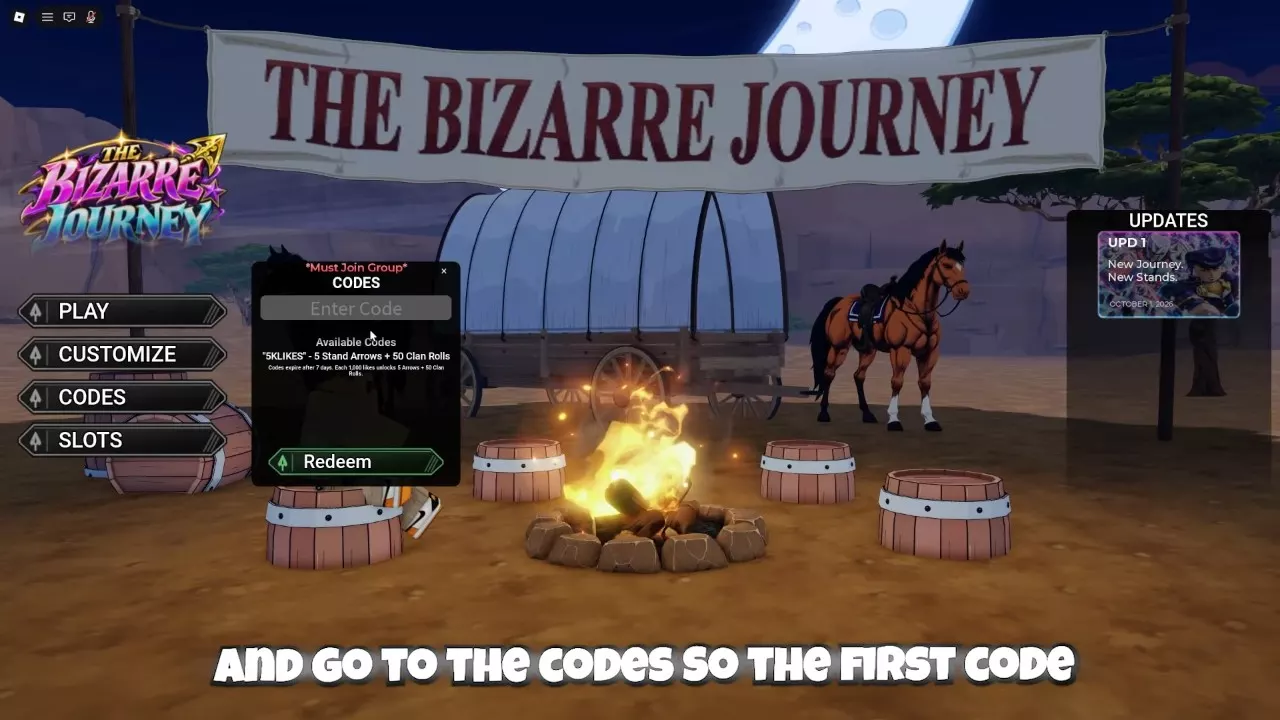
- If you are in the game, open the menu and select Return To Menu.
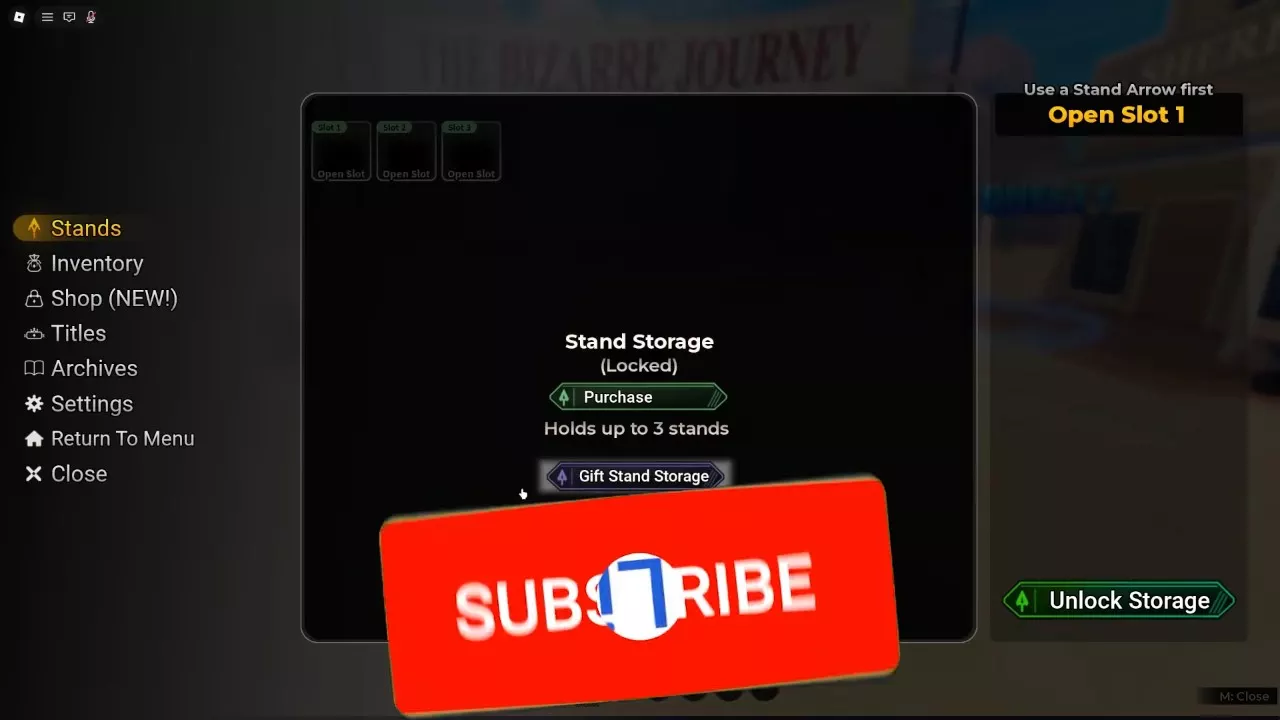
- On the main menu, select CODES on the left.
- Enter the code in the Enter Code field, then select Redeem.
Trouble redeeming a code?
Use Copy to keep the code's spelling, then check that no extra spaces were added when pasting. Check any listed requirements and expiry details.
If redemption fails, read the message shown in the game before trying again. An expired code will not grant its reward.
Where to find new codes
Check the game's official Roblox page and the developer's social links listed there for code announcements.
Follow code announcements in Discord: